(d) Display EUVI Image Sequences
After we obtained the EUVI data filenames with the previous task (c),
we read a sequence of images into an array IMAGES and the corresponding
FITS header descriptors into the structure INDEX.
We can then display individual images as a sequence stepping in time.
In the previous task we obtained a file list DATAFILES with 13 filenames
of EUVI images observed with spacecraft A on May 9, 2007.
Let us display the 12th datafile at 20:40:45 UT:
IDL>
color=0
;0=automated scaling of min/max, 1=interactive
movie=0
;0=automated movie play, 1=interactive stepping of images
euvi_display,datafiles(11),color,movie,images,index
The output on the screen looks like this:
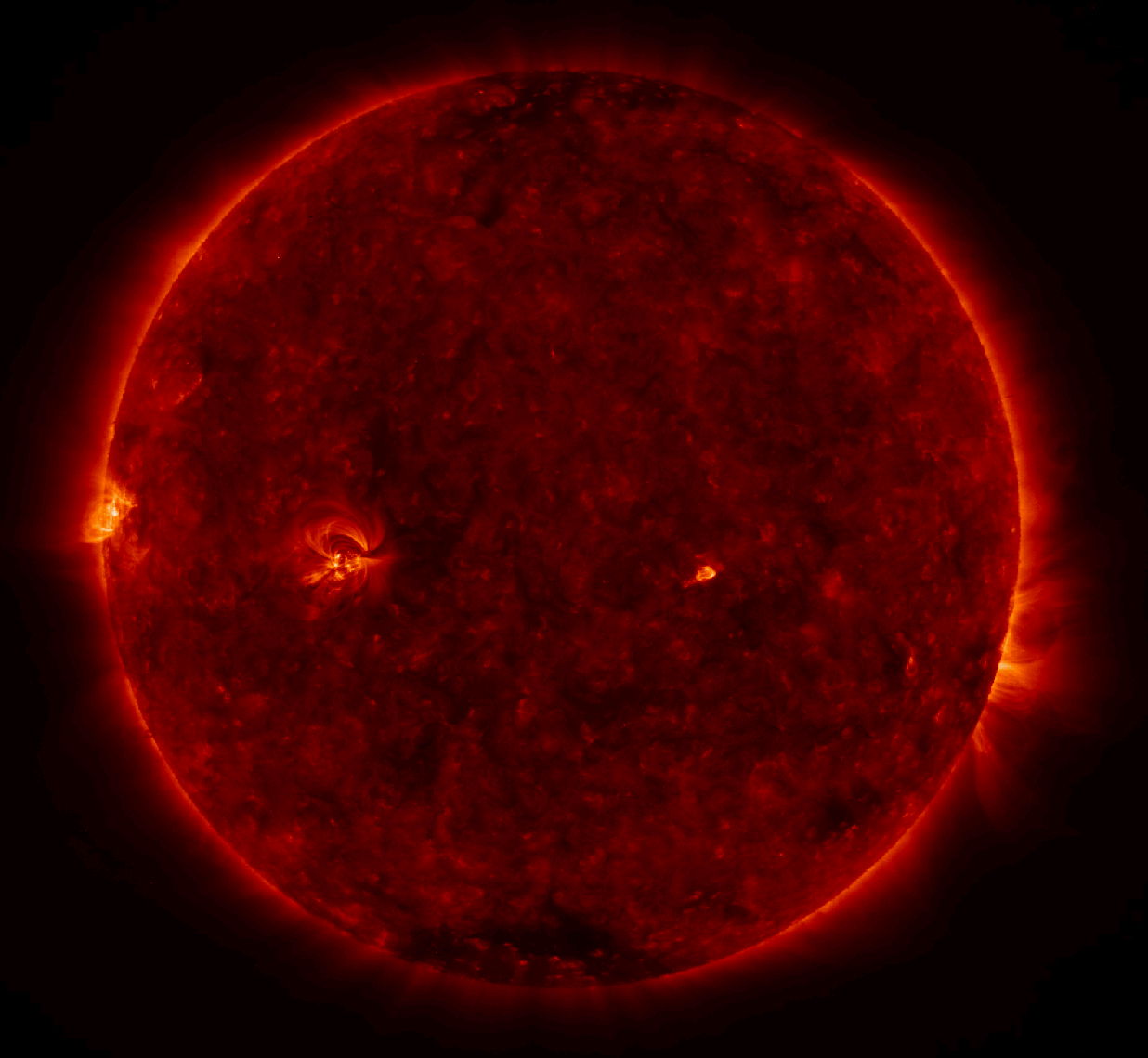
The color display is on a logarithmic scale, bound by the minimum and
maximum values (in DN) ignoring pixels with zero values. It you want to
adjust the color scale you can do it interactively by setting
color=1
;0=automated scaling of min/max, 1=interactive
euvi_display,datafiles(11),color,movie,images,index
If you want to see a movie of all 171 A images from the same day, we set
color=0
;0=automated scaling of min/max, 1=interactive
euvi_display,datafiles,color,movie,images,index
If you want to step through the images at your leisure, you can set:
movie=1
;0=automated movie play, 1=interactive stepping of images
euvi_display,datafiles,color,movie,images,index